Application Description
Find your ideal used car with Japan's largest used car app, Car Sensor! Browse over 500,000 used cars listed nationwide and shop with confidence.
Discover your perfect vehicle with Japan's leading used car app, Car Sensor, featuring the most listed cars in the country!
With a nationwide inventory of over 500,000 used cars,
You can be sure to find the car that fits your needs perfectly.
Contacting dealers and making inquiries is completely free! Don't hesitate to get in touch.
For searching used car listings and dealer information, try the user-friendly Car Sensor used car app!
■ Easily search approximately 400,000 used cars across the country using a variety of filters!
You can search with multiple conditions, including make, price range, and location,
as well as model/grade, body type, vehicle condition, features, transmission type, and inspection status.
If you want a custom search, you can also use the free text search feature!
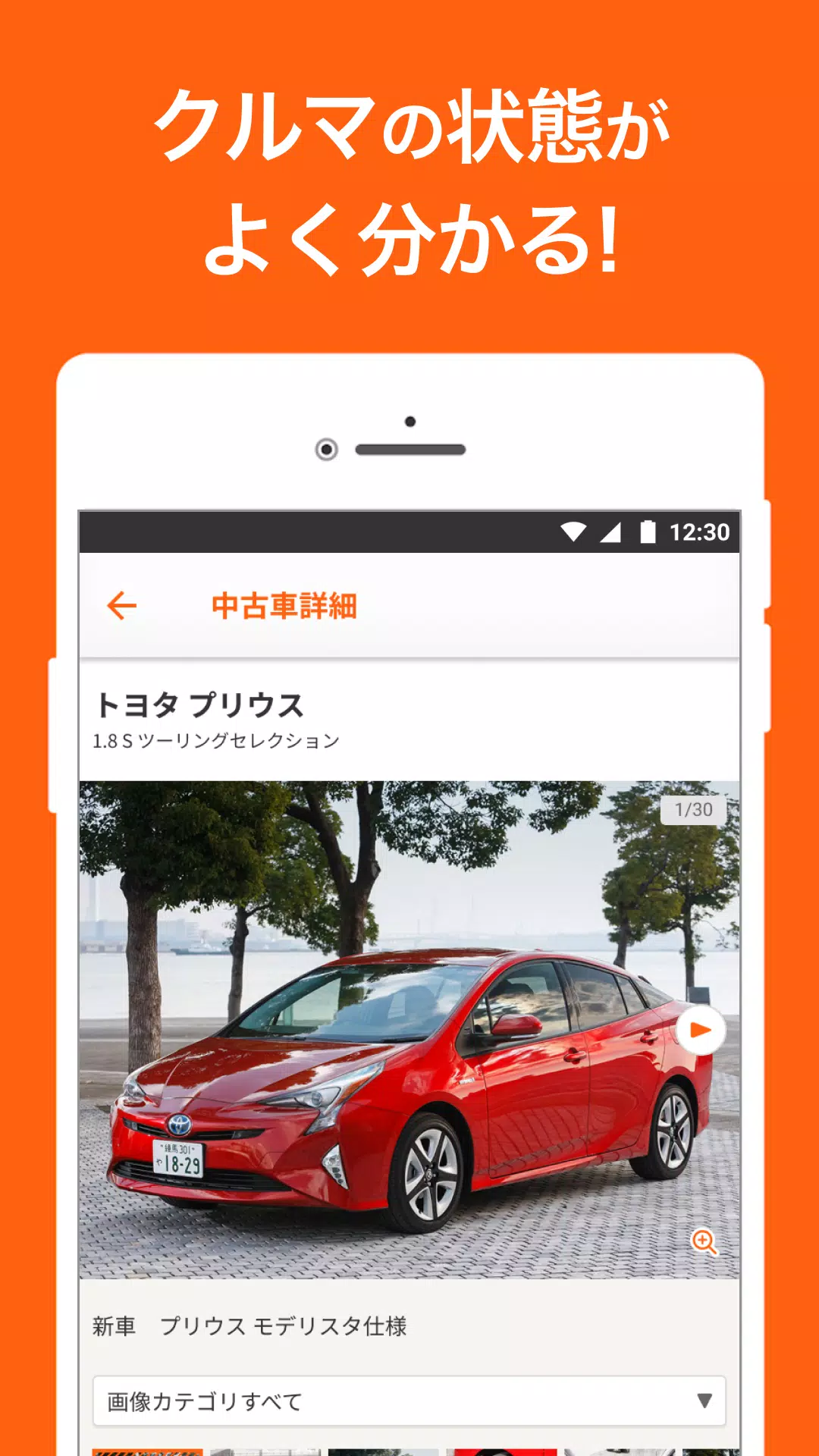
■ View detailed information for any used car you’re interested in right away!
Each listing includes clear, comprehensive details on basic info and equipment! Check the car’s condition using plenty of photos available on the spot.
You'll also find essential buying information, such as purchase plans, original specifications from when the car was new, and details about the dealer.
■ Easy inquiries to dealers! Contact them instantly from the car details page!
If you find a car you like, you can send a free inquiry for a price quote, stock availability, or vehicle status check.
You also have the option to call the dealer directly with questions.
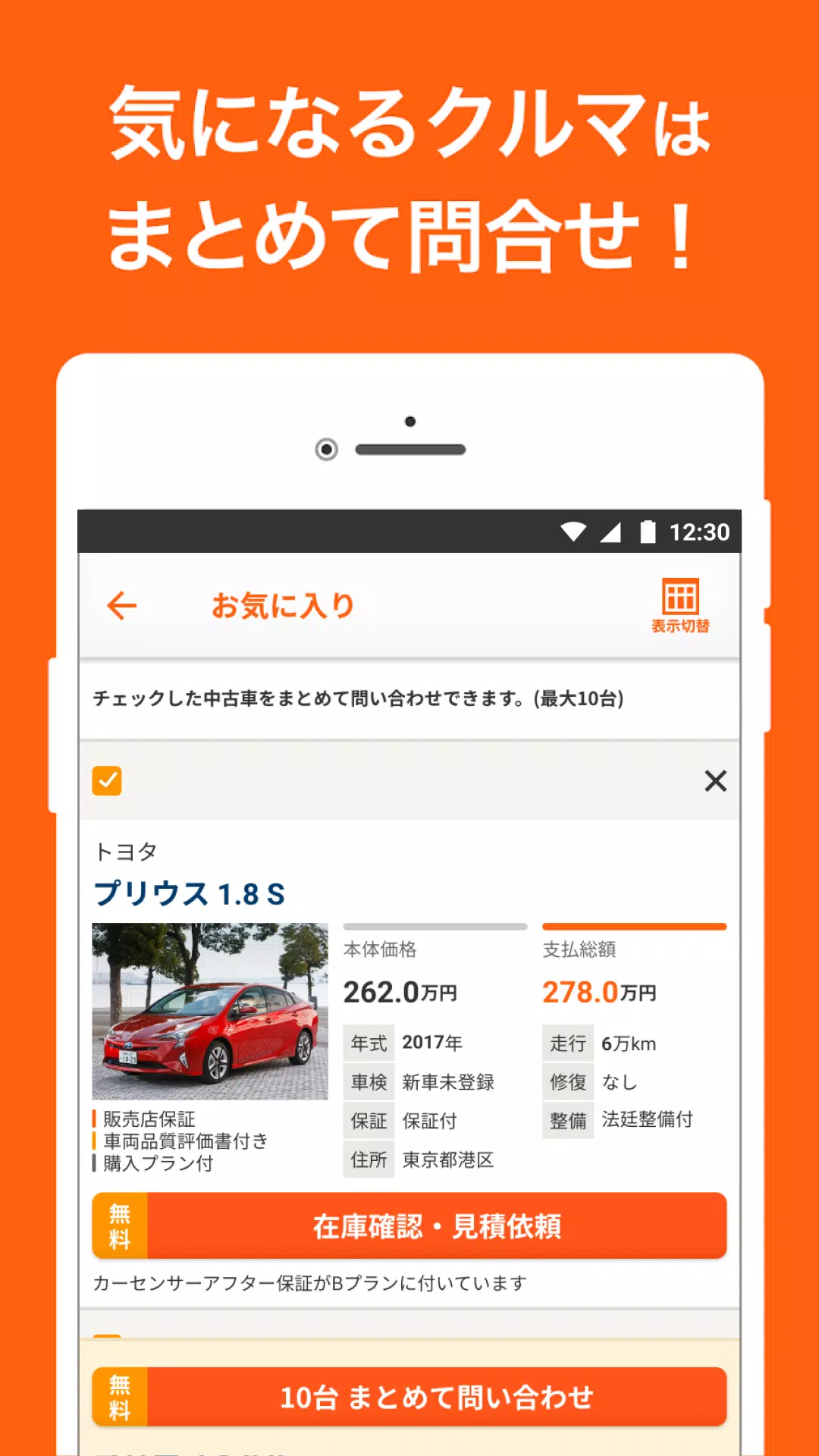
■ Compare and save cars easily by adding them to your favorites!
You can save up to 30 used cars as “favorites” and compare their prices, model years, mileage, and more in a list format.
If several listings catch your eye, you can contact the dealers for all of them at once.
■ Search not only used cars but also new car listings!
Compare price ranges, trim grades, and detailed specs for new models.
Search > Narrow down > Model Year/Condition > New Car Listings
Start exploring today!
[Search Features Overview]
1: Free Text Search (Car Name)
You can search using the search bar at the top of the home screen.
Search by car names like “Prius” or “Legacy,” or use broader terms like “Lexus” or “BM.”
2: Free Text Search
Use various keywords in the search bar at the top of the home screen.
You can also filter by nearby store names.
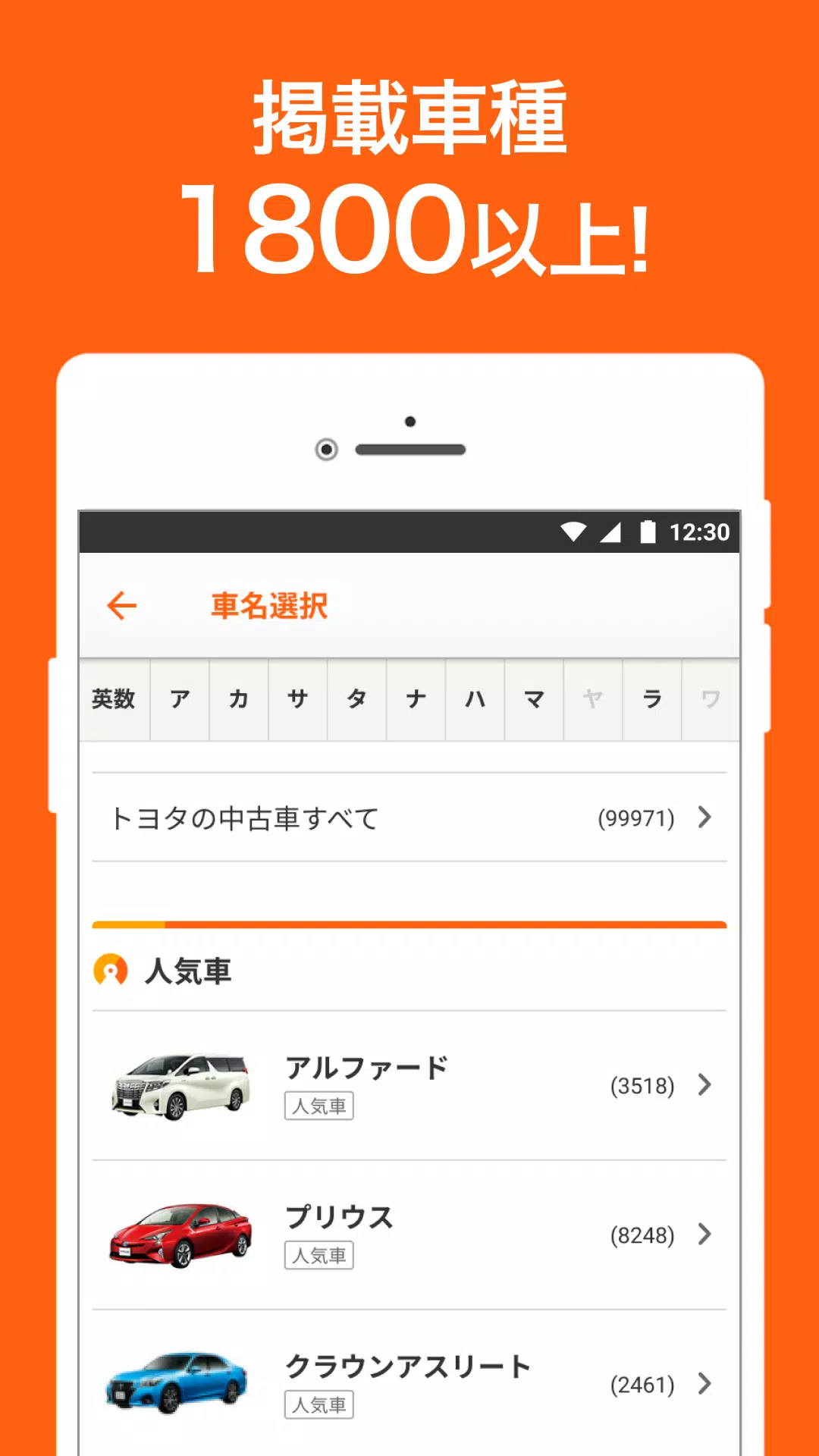
3: Manufacturer/Model Search
Browse by selecting specific makes and models via the manufacturer selection and model list page.
We offer a broad selection, from domestic to imported cars.
Imported cars can also be filtered by country.
*Manufacturer Examples
Domestic brands: Lexus, Toyota, Honda, Nissan, Suzuki, Daihatsu, Mazda, Subaru, Mitsubishi
Imported brands: Mercedes-Benz, BMW, Volkswagen, Audi, Mini, Porsche, Volvo, Peugeot, Land Rover
4: Location Search
Search by the prefecture or region where you live.
5: Price Search
Ideal for bargain hunters or those with a fixed budget.
Set both lower and upper price limits to find the right car within your range.
6: Body Type Search
Even if you’re not familiar with specific models, find the perfect car by searching by body style.
*Body Type Examples
Kei car, hybrid, minivan, hatchback, sedan, station wagon, crossover, SUV, coupe, convertible, truck, welfare vehicle, pickup truck, commercial vehicle, van
7: Photo Search No need to know the make or model—just use a photo!
Search for a car you’ve spotted in real life by uploading a photo you took.
8: Detailed Filters
Refine by car details like model year, mileage, single-owner, maintenance history, non-smoking, etc.
Filter for unregistered unused cars or by preferred color,
and narrow down by desired features (smart key, ETC, fold-flat seats, rearview camera, etc.).
Feel free to search using your own criteria!
What's New in the Latest Version 8.19.3
Last updated on Nov 6, 2024
Thank you for using our app.
We've fixed login-related issues.
We look forward to continuing to serve you with the Car Sensor app.
Auto & Vehicles



 Download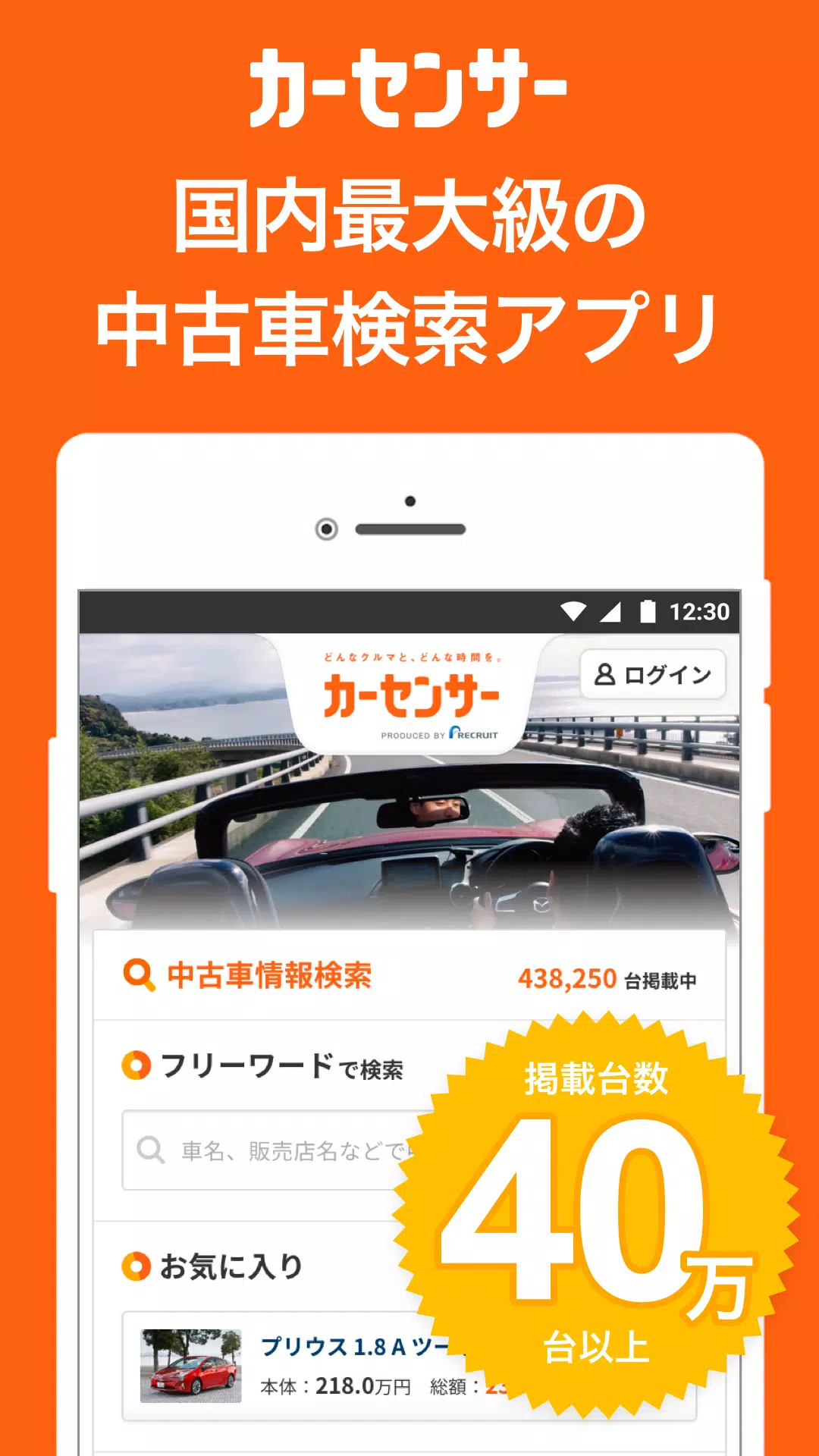
 Apps like 中古車アプリカーセンサー