Home Apps Auto & Vehicles KEBA eMobility App
KEBA eMobility App

KEBA eMobility App

Auto & Vehicles 3.10.0 11.6 MB

by KEBA Energy Automation May 30,2026

Control and Monitor Your KEBA Wallbox with the KEBA eMobility AppThe KEBA eMobility App serves as the digital management solution for KeContact P30 & P40 charging stations (including P40, P30 x-series, company car wallbox, PV EDITION and P30 c-series

4.3
KEBA eMobility App Screenshot 0
KEBA eMobility App Screenshot 1
KEBA eMobility App Screenshot 2
KEBA eMobility App Screenshot 3
Application Description

Control and Monitor Your KEBA Wallbox with the KEBA eMobility App

The KEBA eMobility App serves as the digital management solution for KeContact P30 & P40 charging stations (including P40, P30 x-series, company car wallbox, PV EDITION and P30 c-series models). This powerful application enables wireless communication, configuration and management of your charging station, putting complete control at your fingertips.

Key App Functionalities

  • Remote Access - Connect to and control your wallbox from anywhere (Note: KeContact P30 c-series requires local network connection)
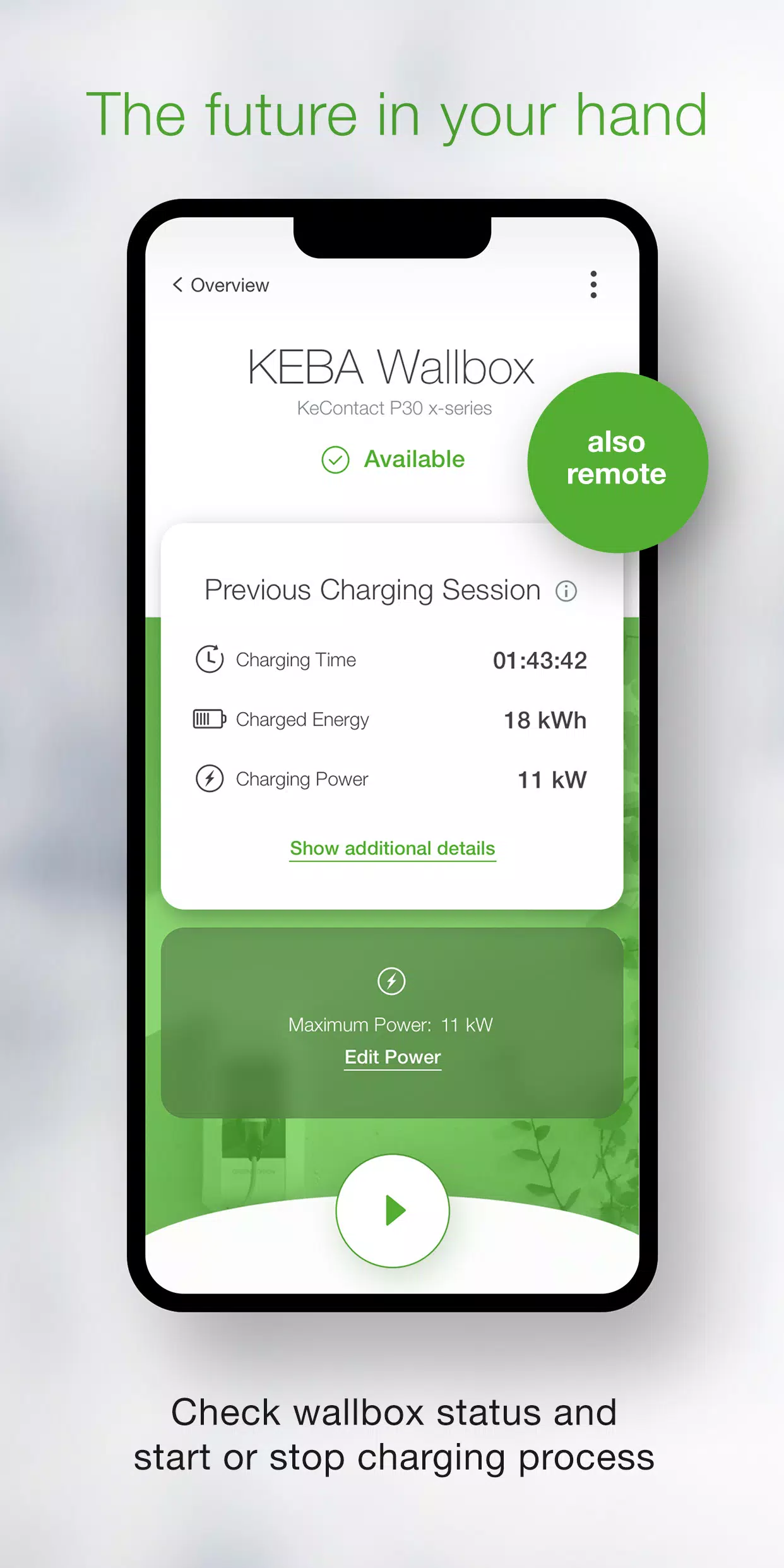
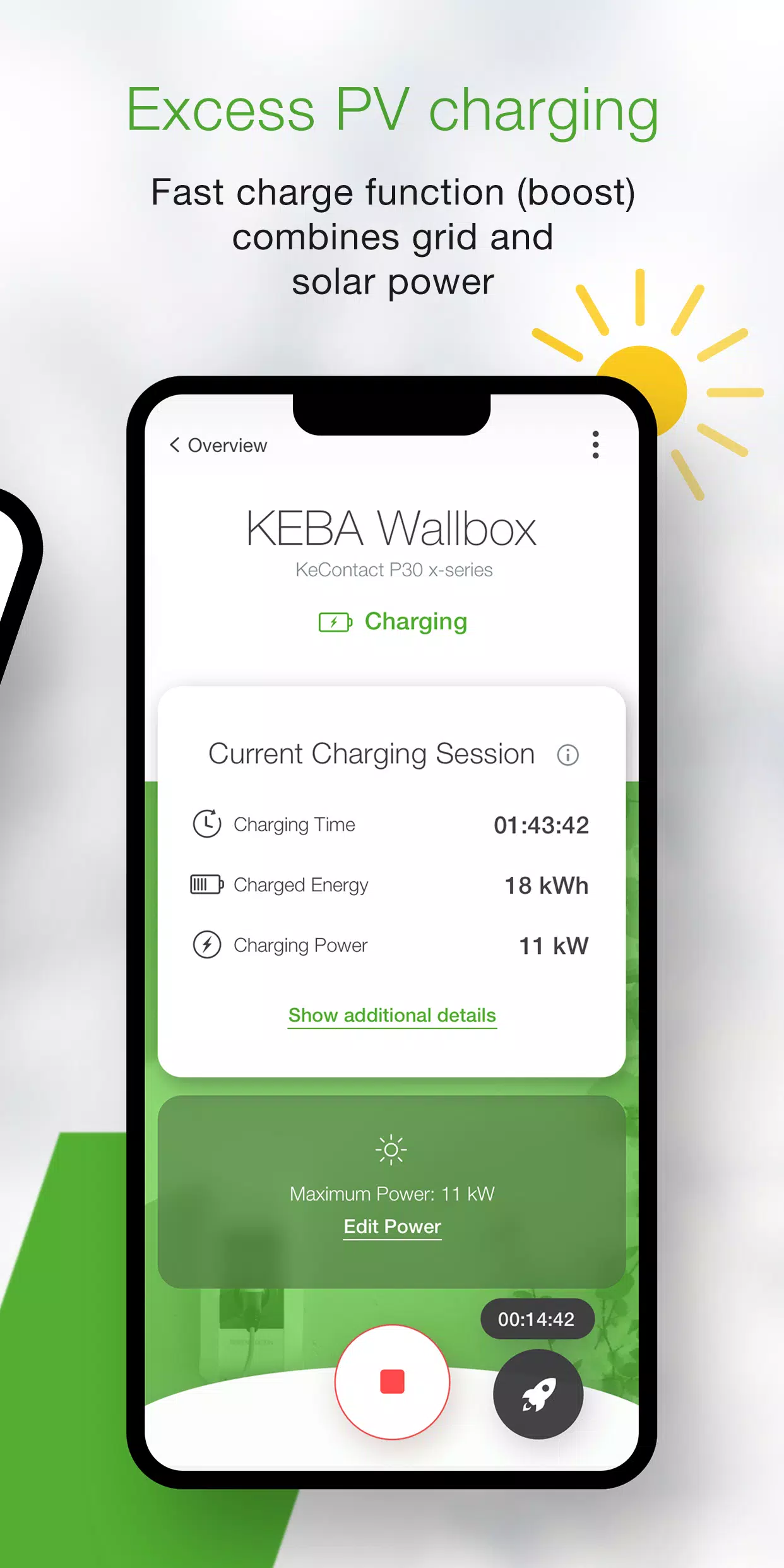
  • Real-time Status Monitoring - Instantly view your wallbox status: actively charging, ready, offline, or error condition
  • Charging Process Control - Start or stop charging sessions with a single tap
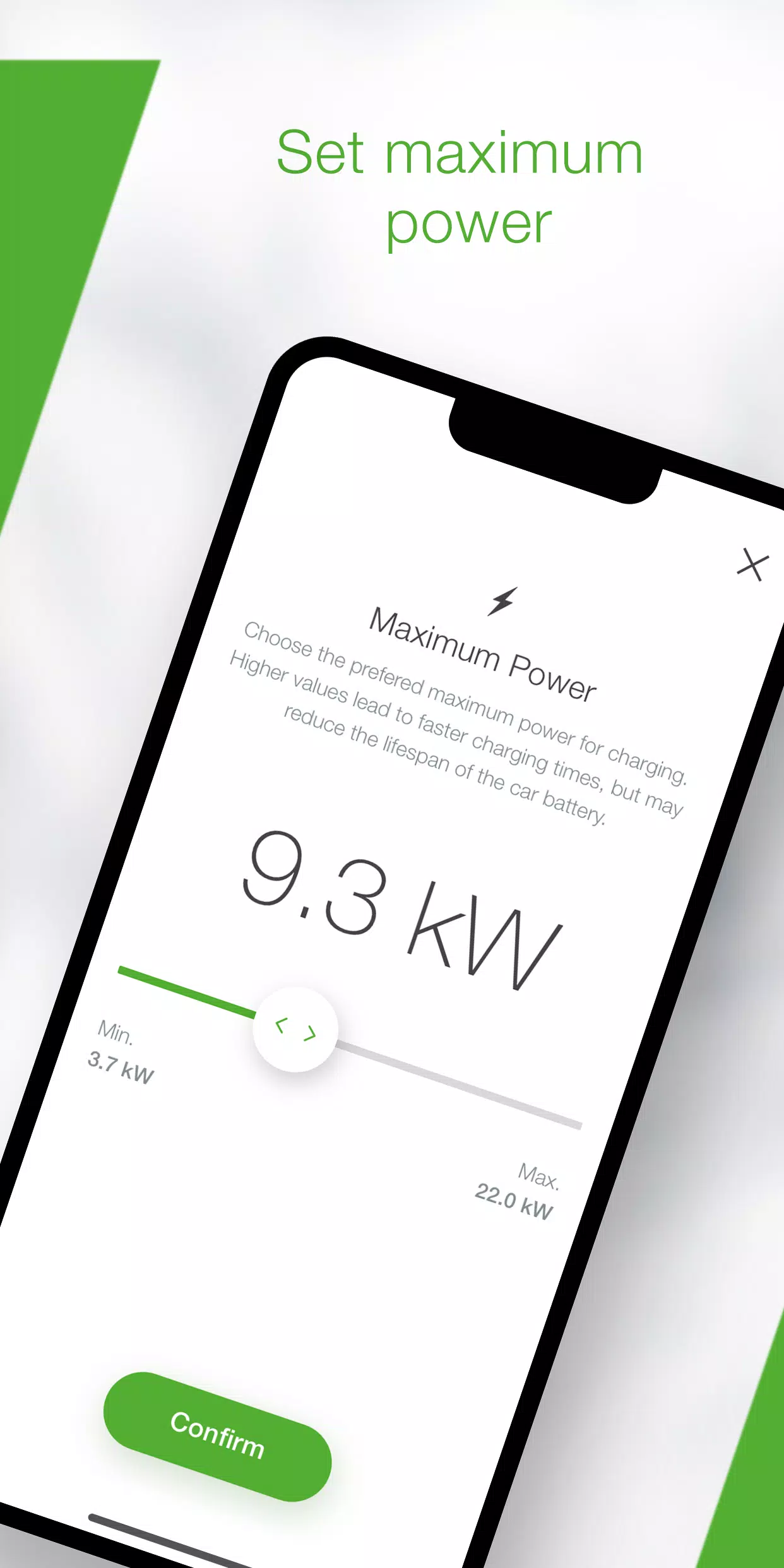
  • Power Management - Set maximum charging power to control electricity consumption and charging duration
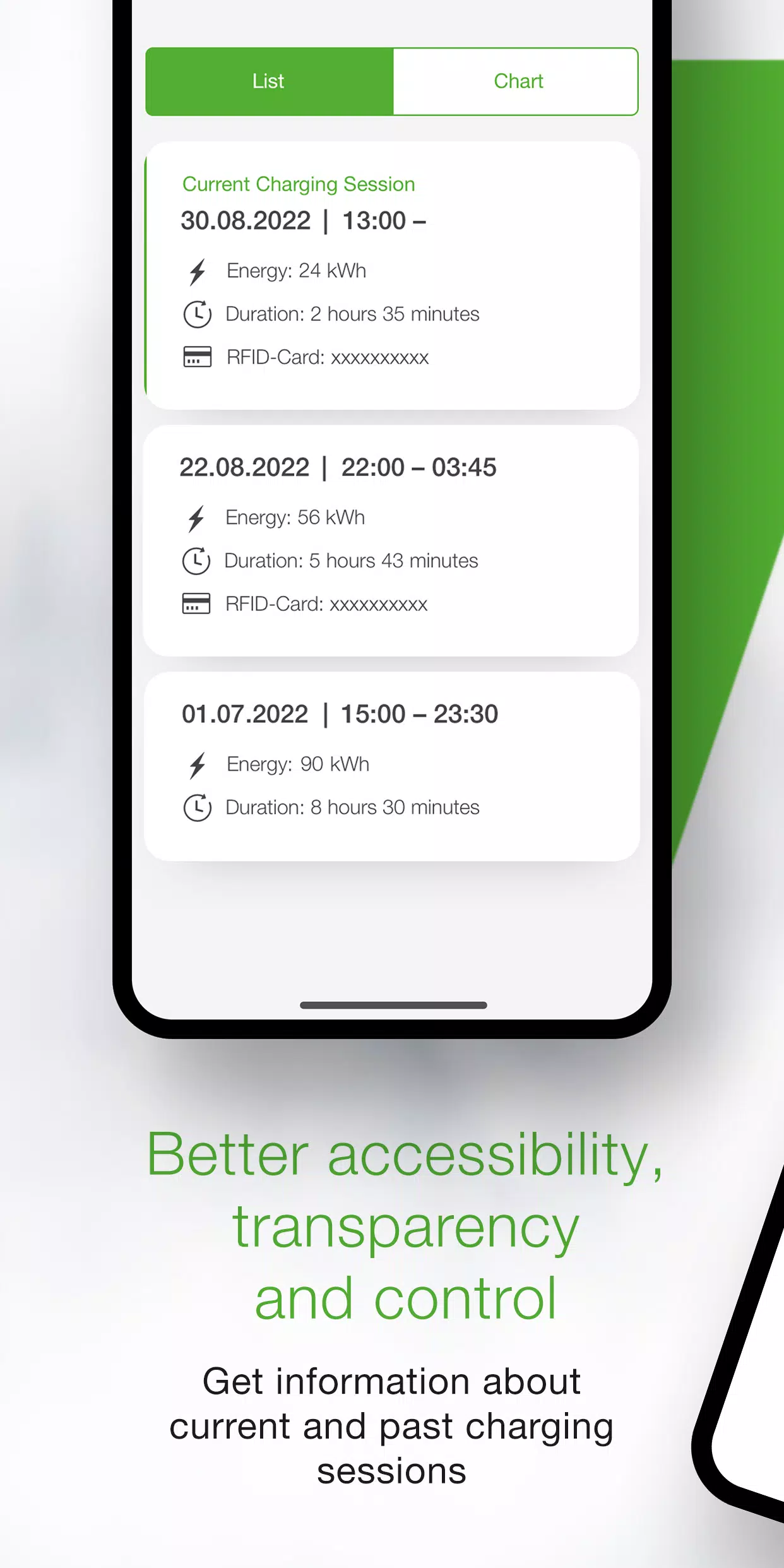
  • Detailed Charging Analytics - Access comprehensive real-time data (duration, energy usage, power levels, amperage) and review historical charging sessions
  • Energy Consumption Statistics - Track and analyze your long-term energy usage patterns
  • Guided Setup - Simple configuration wizard checks compatibility and assists with initial installation
  • Installer Mode - Step-by-step guidance for technicians configuring new P40 wallboxes
  • Scheduled Charging - Program automatic charge start/stop times and power levels (Available via KEBA eMobility Portal for P40, P30 x-series, company car wallboxes and PV EDITION)
  • Firmware Updates - Maintain optimal performance with automatic software updates (Excludes standalone P30 c-series models)
  • Web Interface Parity - x-series users can access all familiar web interface configurations through the app

Compatible Wallbox Models

  • KeContact P40, P40 Pro, P30 x-series, company car wallbox, PV EDITION
  • KeContact P30 c-series (no firmware update required for app functionality)

Important Note: Charge Point Operator-managed stations may not support app functionality, particularly if you lack web-interface credentials or serial number access. P30 c-series users should note some feature limitations compared to x-series models (see www.keba.com/emobility-app for full comparison).


Extended Features with KEBA eMobility Portal

Existing users can unlock additional capabilities by registering through either the app or web portal at emobility-portal.keba.com.


Installation Notes for Professionals

  • Manual DIP switch configuration remains necessary for P30 wallboxes
  • App supports all P30 web interface configuration options
  • P30 c-series requires specific DIP switch adjustments for full UDP communication (detailed in setup guide)
  • P40 basic configuration can be completed through app or directly on device

What's New in Version 3.10.0 (November 12, 2024)

P40-Specific Enhancements:

  • New wallbox software version 1.1.0 available
  • Added factory reset capability via app
  • Resolved offline usage "white screen" issue
  • Corrected OCPP communication channel options
  • Fixed authentication errors for incorrect password entries
  • Addressed Bluetooth connection issues for previously paired wallboxes

General Improvements:

  • Improved enrollment process stability and usability

Auto & Vehicles

Apps like KEBA eMobility App

REVIEWS
POST COMMENTS+
There are currently no comments available