Grace Roblox Game: Command Cheat Sheet
This guide details all available commands in the Roblox experience, Grace, and how to utilize them on a test server. Grace challenges players to navigate levels filled with frightening entities, demanding quick reflexes and strategic thinking. Test servers offer a way to practice, experiment, and even summon entities for fun.
All Grace Commands
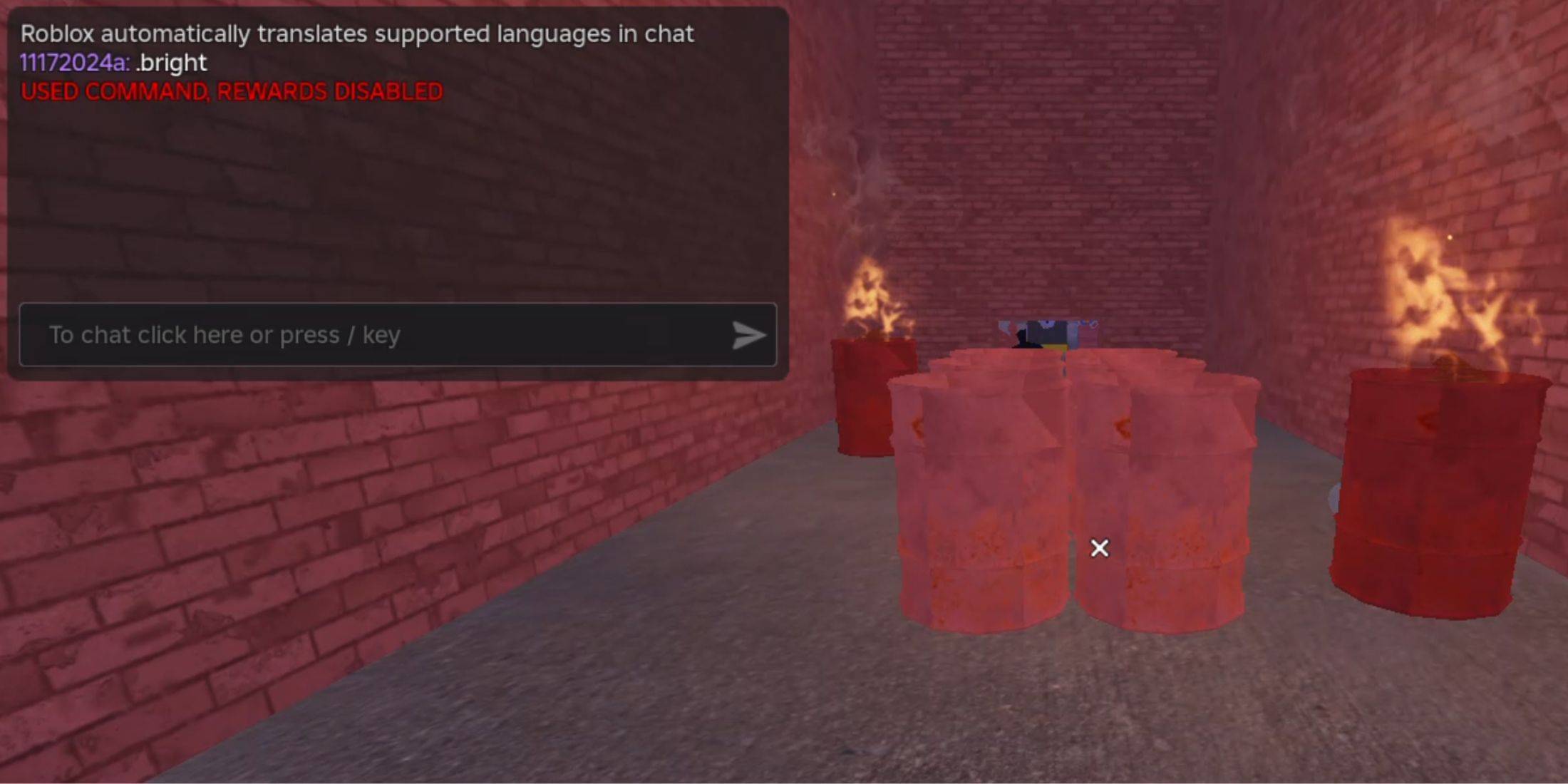
.revive: Respawns the player after death or if stuck..panicspeed: Adjusts the timer speed..dozer: Spawns the Dozer entity..main: Loads the Main Branch server..slugfish: Spawns the Slugfish entity..heed: Spawns the Heed entity..test: Loads a Test Branch server, enabling most commands and accessing unreleased content..carnation: Spawns the Carnation entity..goatman: Spawns the Goatman entity..panic: Starts the timer..godmode: Enables invincibility, significantly simplifying gameplay..sorrow: Spawns the Sorrow entity..settime: Sets a specific time for the timer..slight: Spawns a Slight entity..bright: Maximizes game brightness.
How to Use Grace Commands
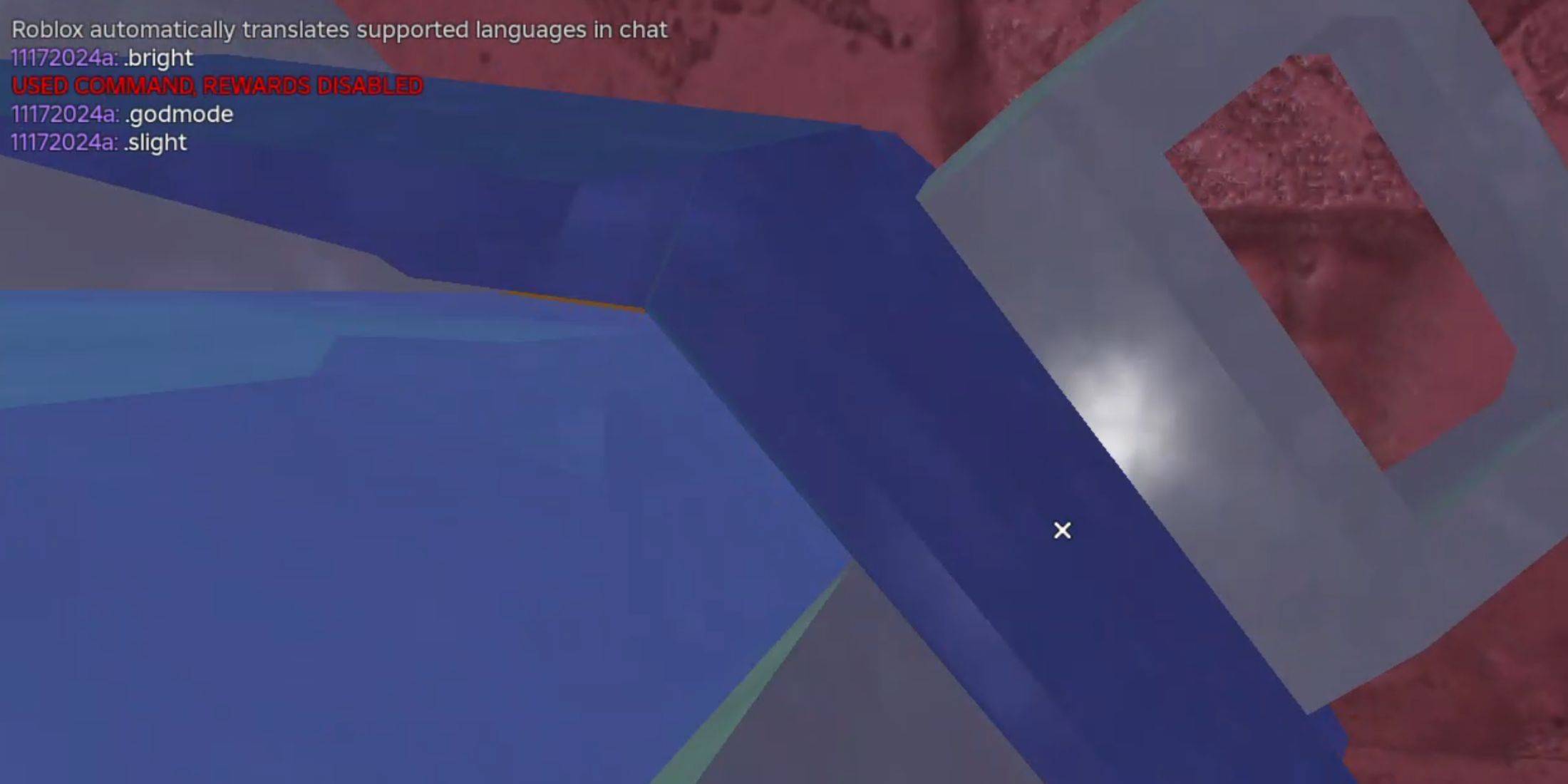
Using commands requires creating a custom test server with commands enabled. Follow these steps:
- Launch Grace in Roblox.
- Locate the Custom Lobbies section and create a new lobby, ensuring the "Commands" option is activated.
- Launch the created lobby.
- Type
.test into the chat to access the test server.
- Now you can use any of the listed commands in the chat.

 LATEST ARTICLES