Application Description
Tima App Car Link – Mirror Your Android Screen Effortlessly
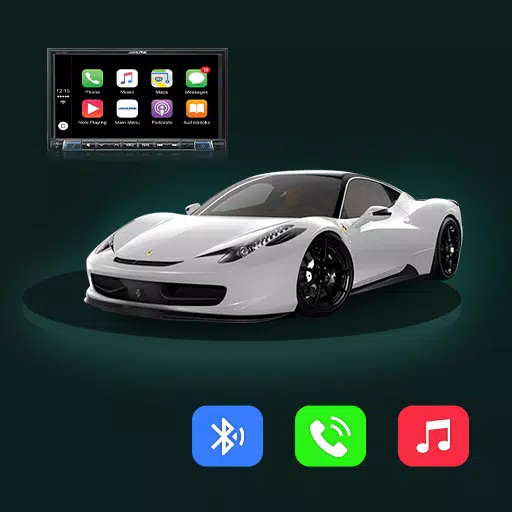
Transform your car's display into an extension of your Android phone with Tima App's mirror link technology. Enjoy seamless smartphone-car integration for convenient access to navigation, entertainment and communication apps while keeping your hands on the wheel.
Key Benefits:
Simple Mirroring Setup
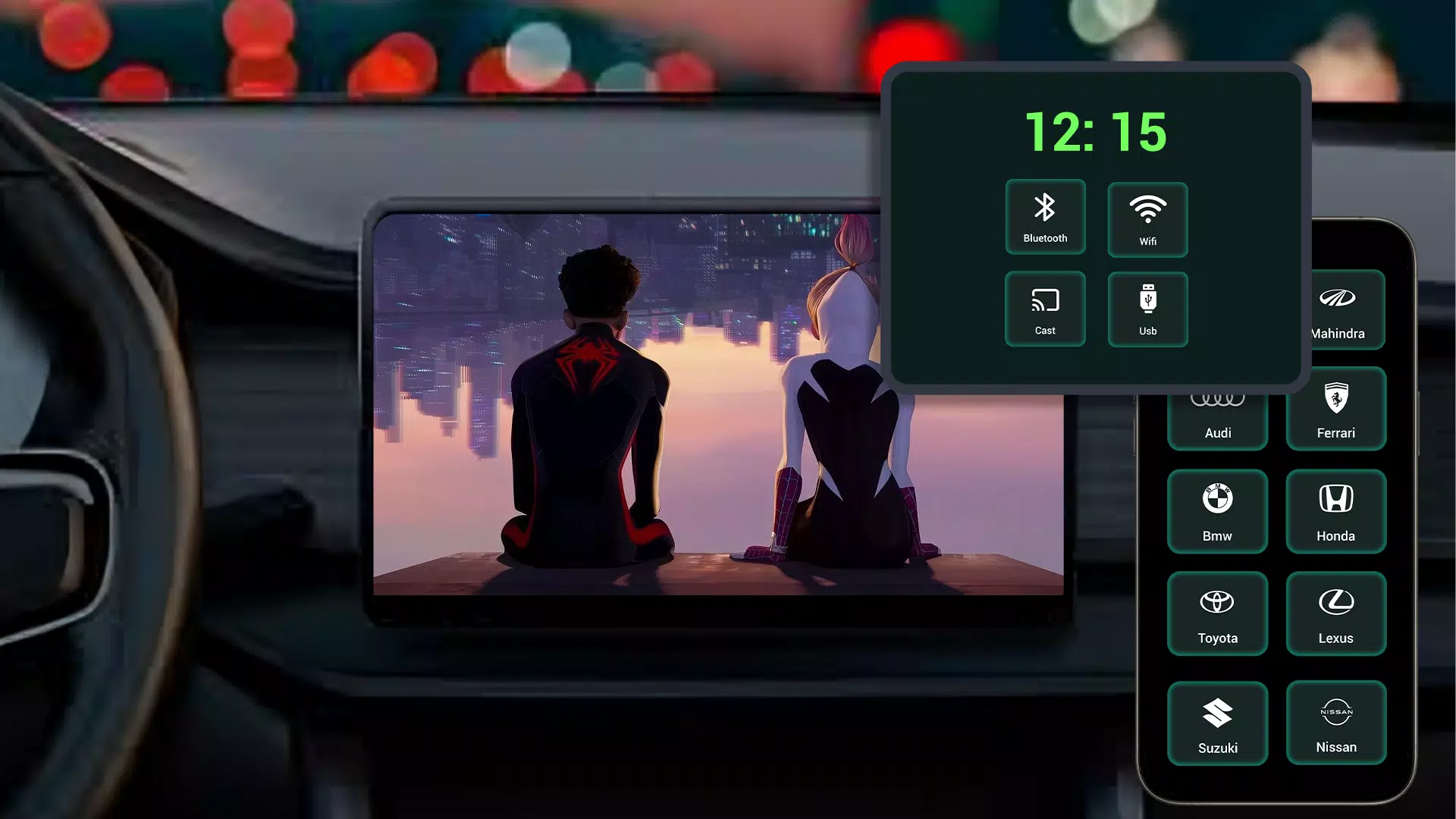
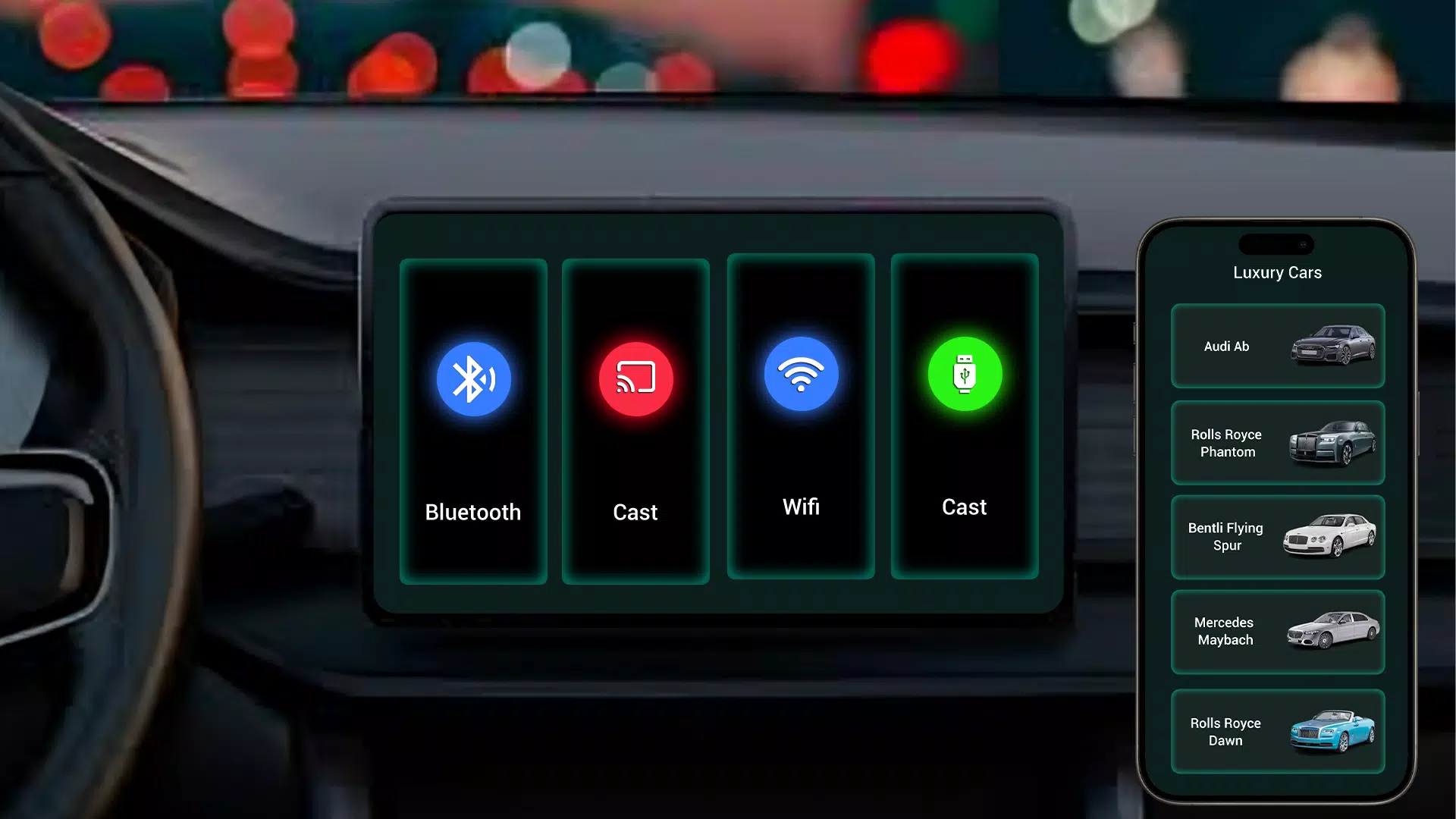
Quickly connect your Android device to your car's infotainment system with just a few taps. Our intuitive interface makes pairing effortless.
Smart App Control
Access your favorite navigation, music and messaging apps directly through your car display. Control everything safely without touching your phone.
Crystal-Clear Streaming
Enjoy superior audio quality when playing music, podcasts or audiobooks through your car's premium sound system.
Reliable Connectivity
Experience stable mirroring with minimal lag, ensuring smooth operation of all your essential apps while driving.
Enhanced Road Safety
Our hands-free design helps maintain focus on driving while providing convenient access to smartphone features.
Why Tima App Stands Out:
Optimized Driving Experience
We've designed every feature with drivers in mind – from simplified controls to voice command compatibility.
Personalized Integration
Customize which apps appear on your car display for quick access to your most-used functions.
Seamless Daily Use
The app automatically connects when you start your car, ready to use within seconds.
Getting Started Couldn't Be Easier:
1. Install Tima App Car Link
2. Connect via USB/Bluetooth
3. Start mirroring instantly
New in Version 1.1 (October 2024)
- Improved connection stability
- Enhanced app performance
- Minor bug fixes
- Optimized power consumption
Download Now:
Elevate your daily commute with smarter smartphone-car integration. Install Tima App Car Link today and drive smarter!
Auto & Vehicles


 Download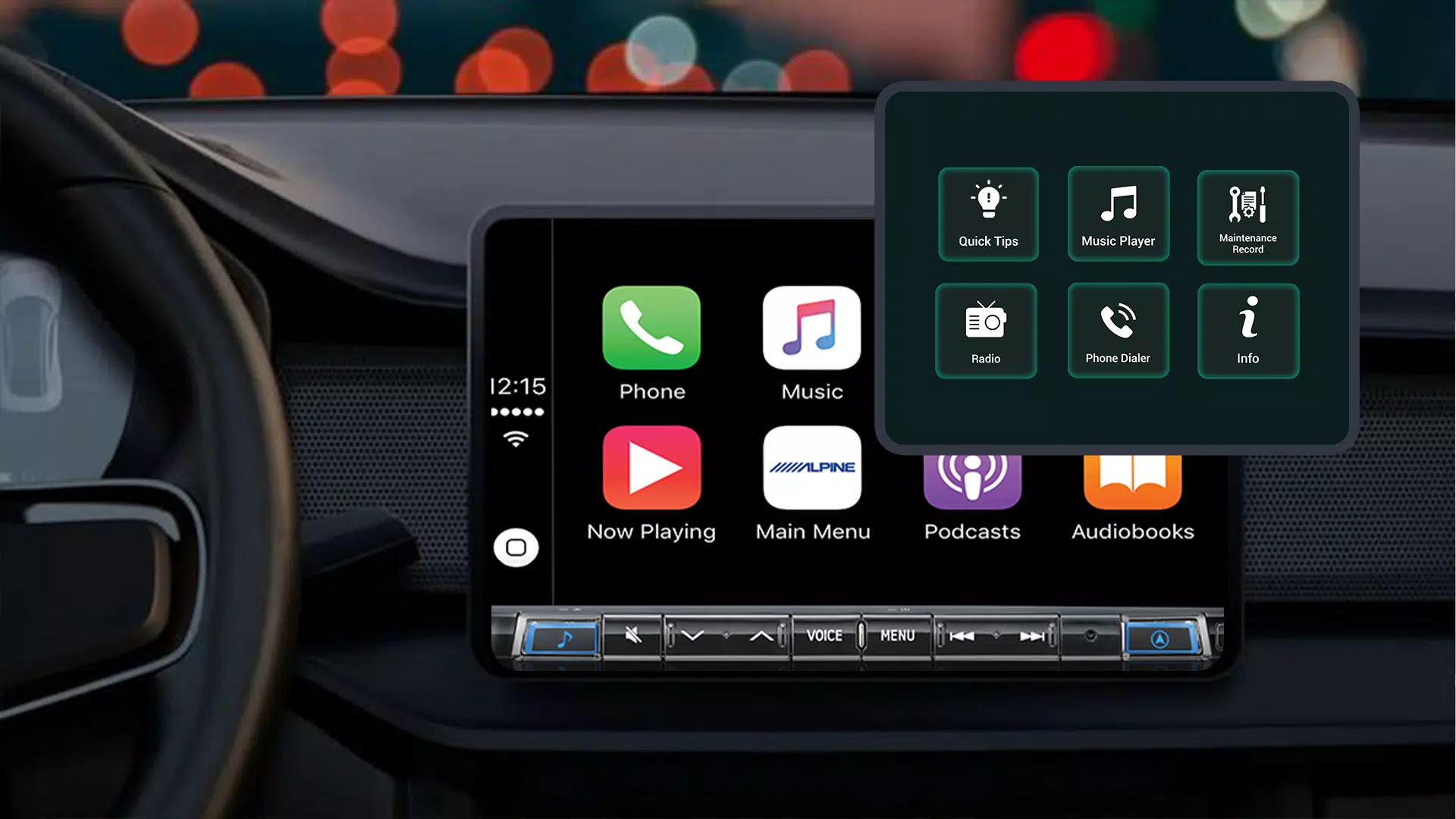
 Apps like Tima App Car Link